fls-pilot
Create more. Check less.
fls-pilot connects FL Studio to MCP-compatible AI clients. It gives assistants readable project context, production workflow tools, and rollback-first write paths for supported FL Studio actions.
Example Workflows
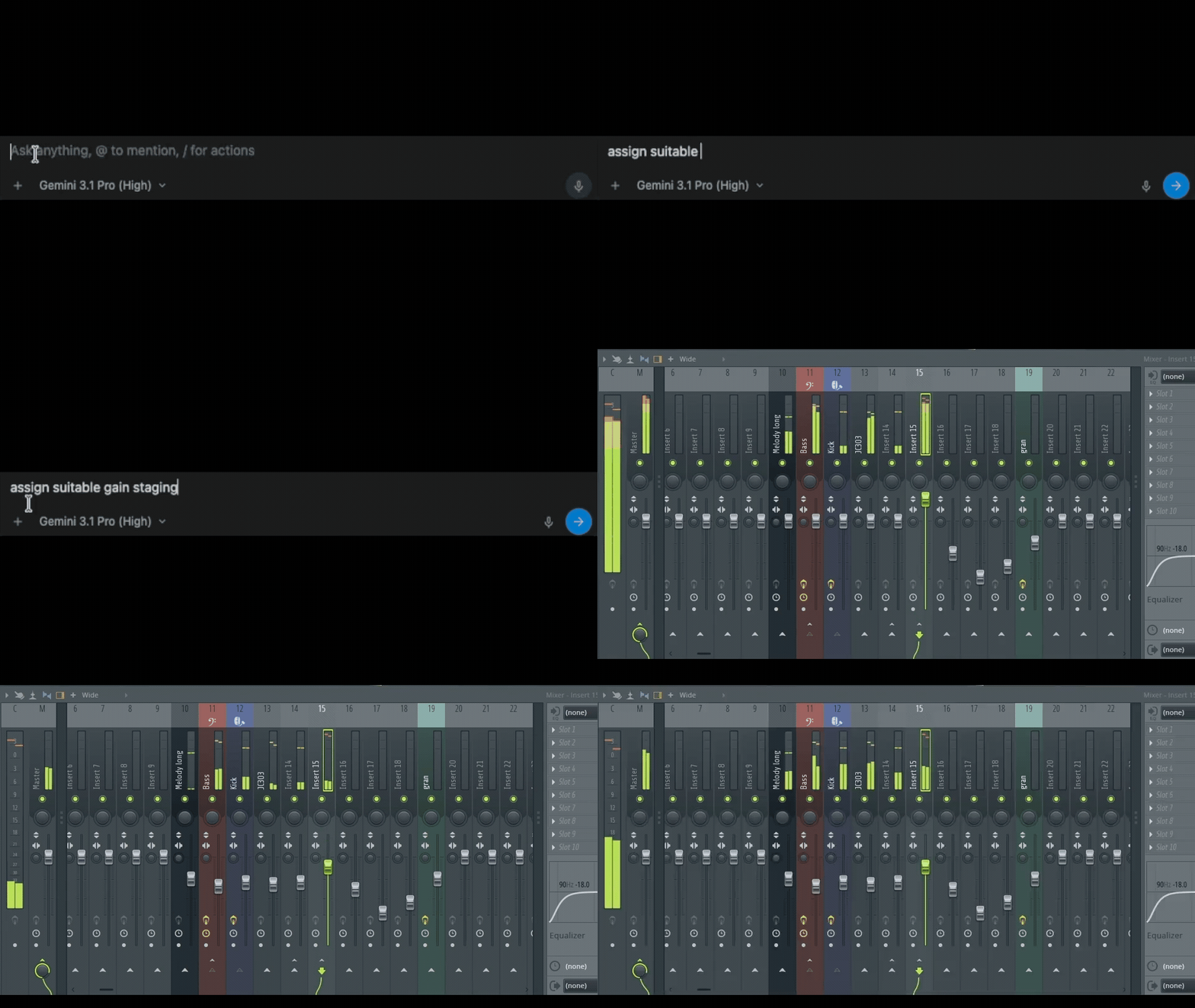
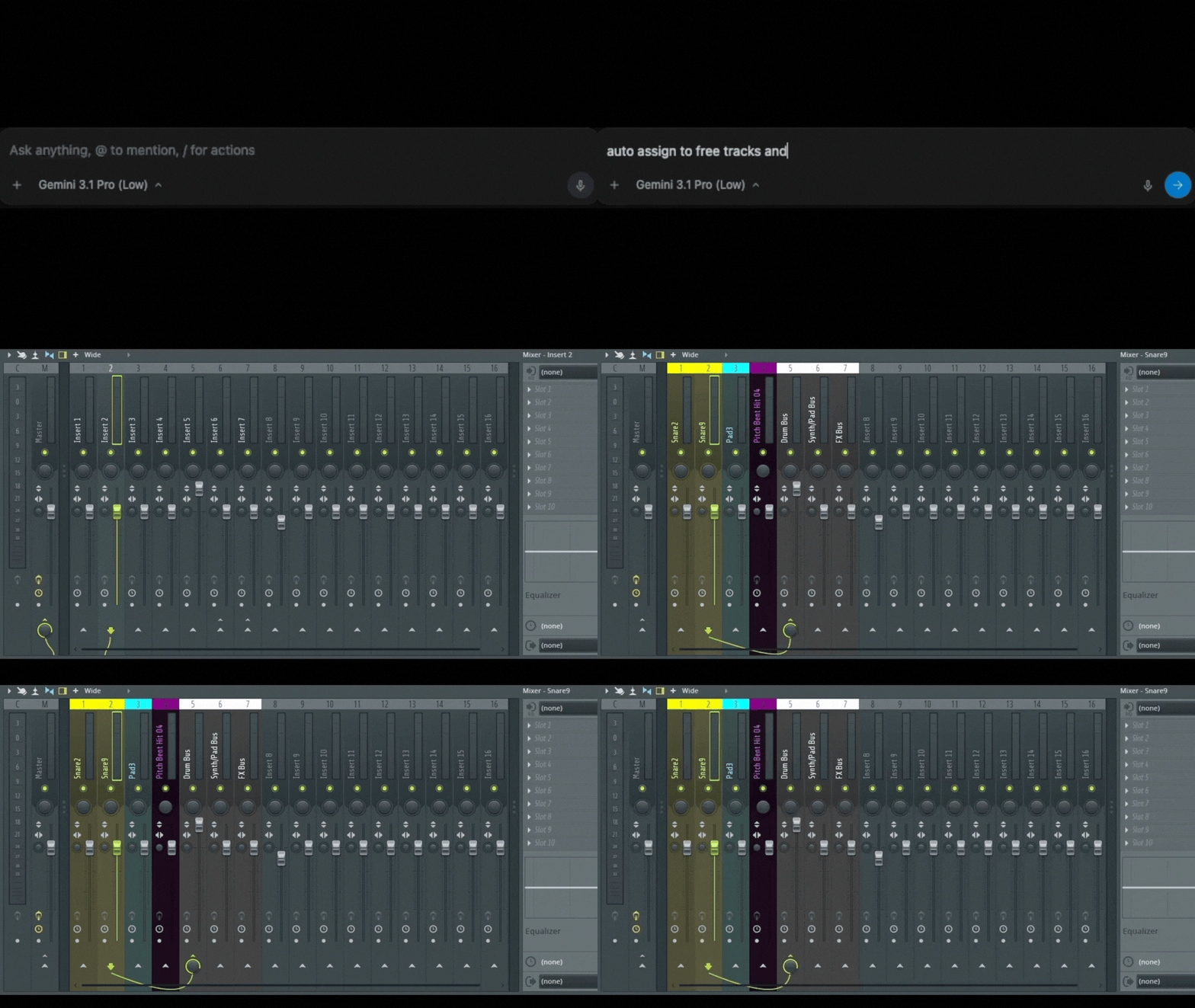
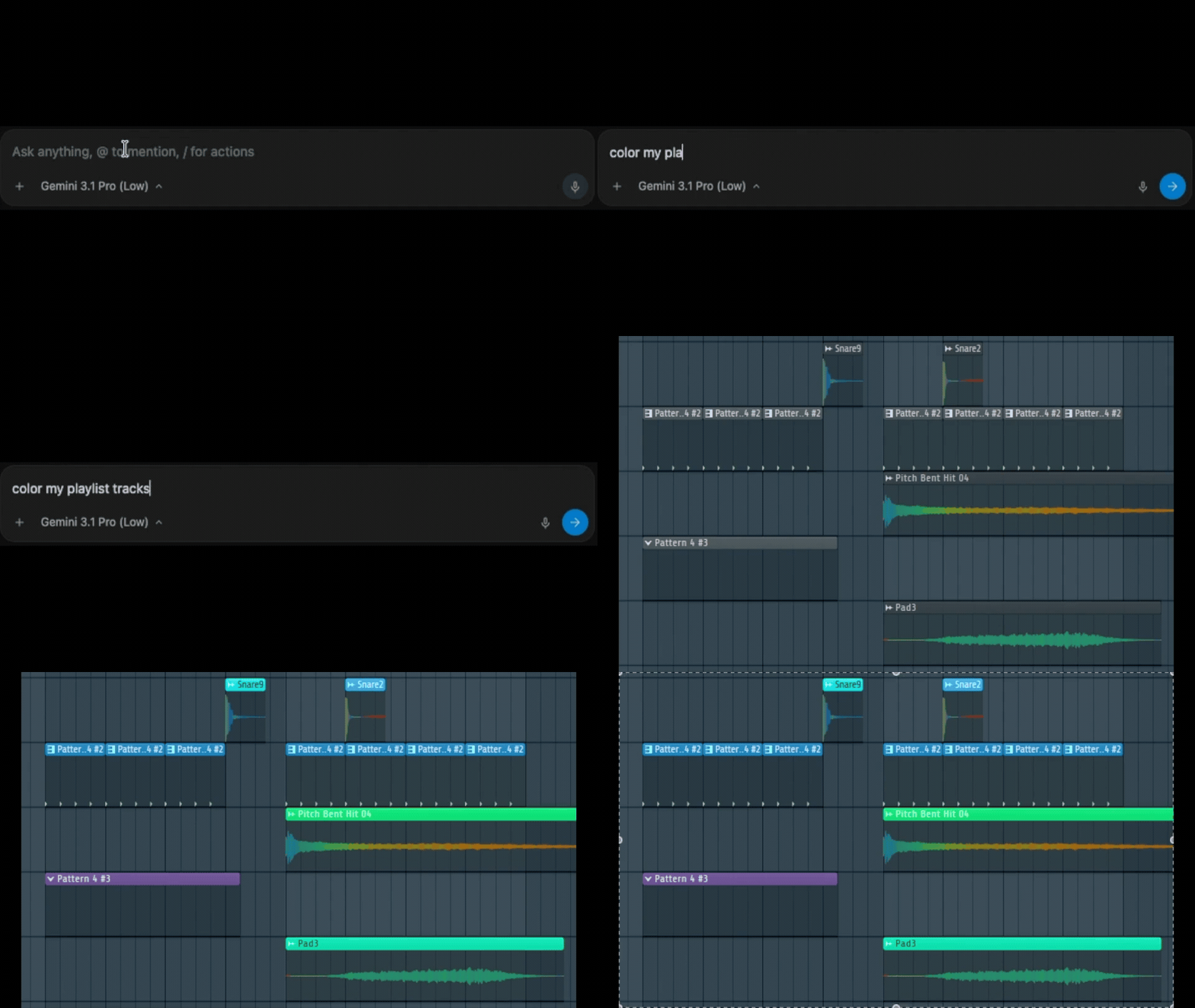
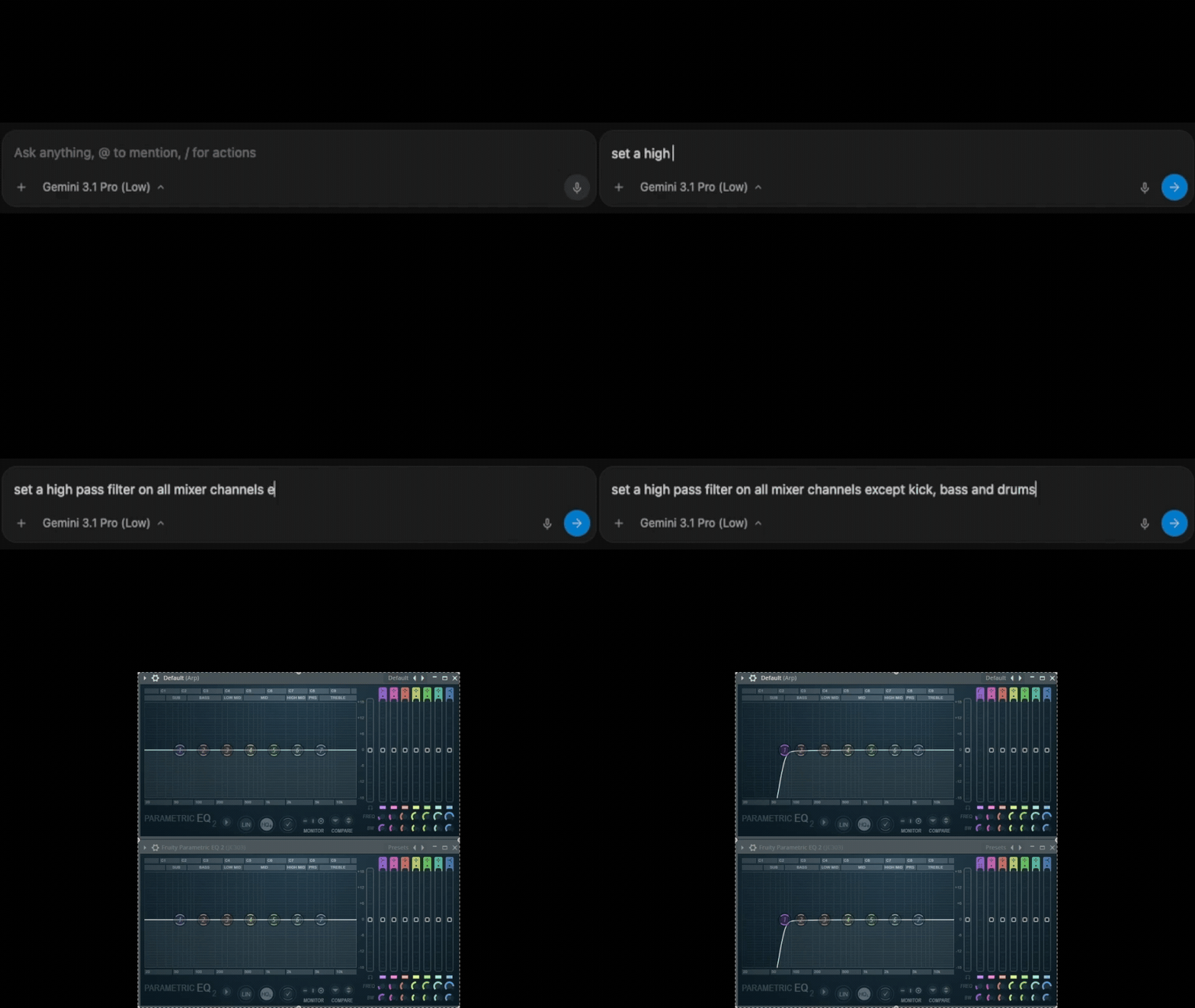
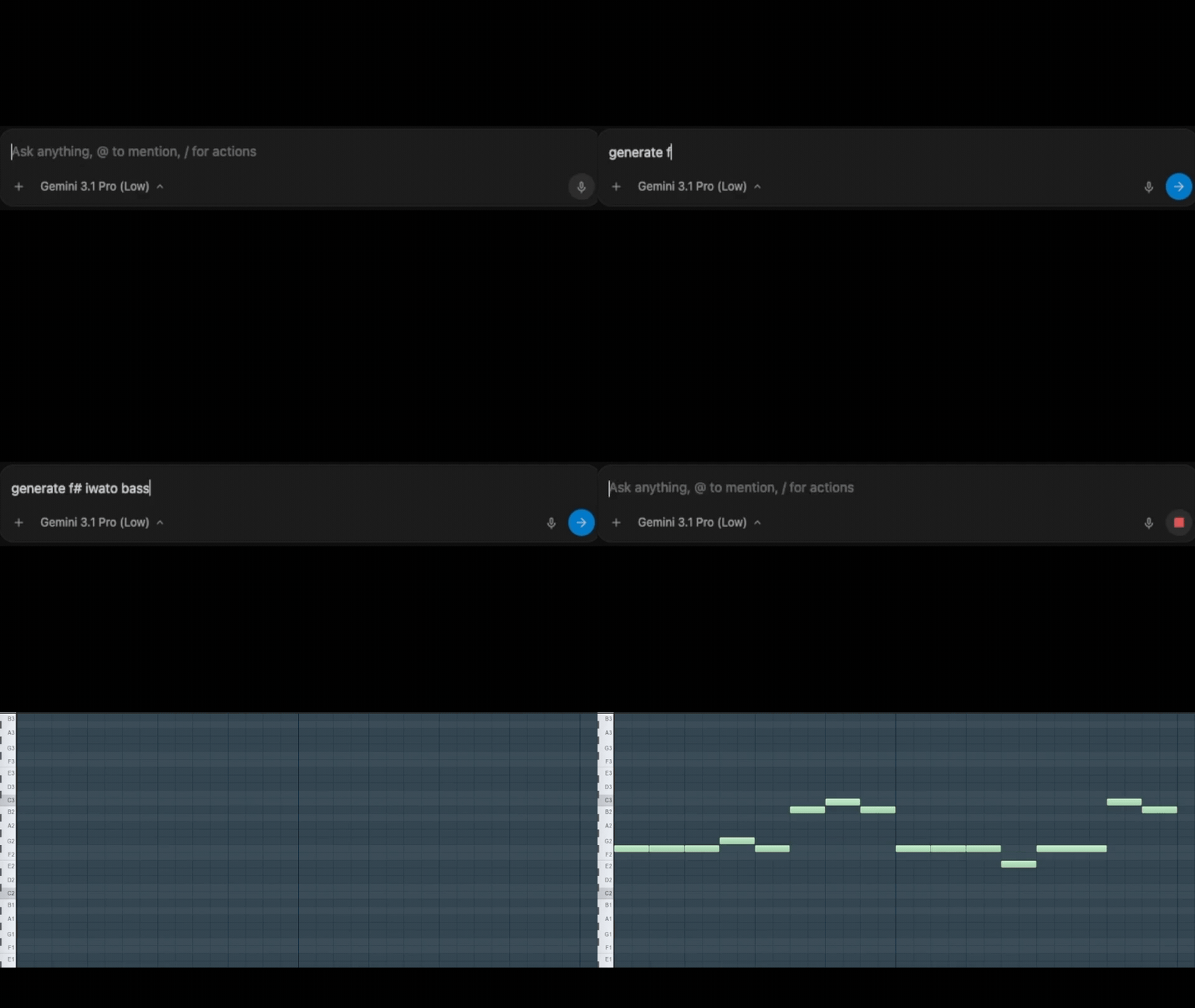
Use it for mix review, routing checks, project organization, Piano Roll composition, plugin-chain planning, audio analysis, MIDI export, and export-readiness checks.
Why It Exists
AI assistants are useful in a DAW only when they can see real project state and respect the DAW's limits. fls-pilot provides that boundary:
- Live project context through MCP resources and domain tools.
- Knowledgebase-backed ranges and API limits instead of guessed values.
- Proposal-first workflows for changes that could affect a project.
- Rollback-backed writes where FL Studio exposes enough state to restore them.
- Clear manual guidance where FL Studio does not expose safe automation.
Start Here
- Install fls-pilot and configure the virtual MIDI ports.
- Open the local Control Center.
- Run the guided setup checks.
- Connect your MCP client.
- Ask for a read-only scan before approving any edit.
Scan my mix first, explain the top three issues, and do not change anything yet.
Common Workflows
| Workflow | What fls-pilot does |
|---|---|
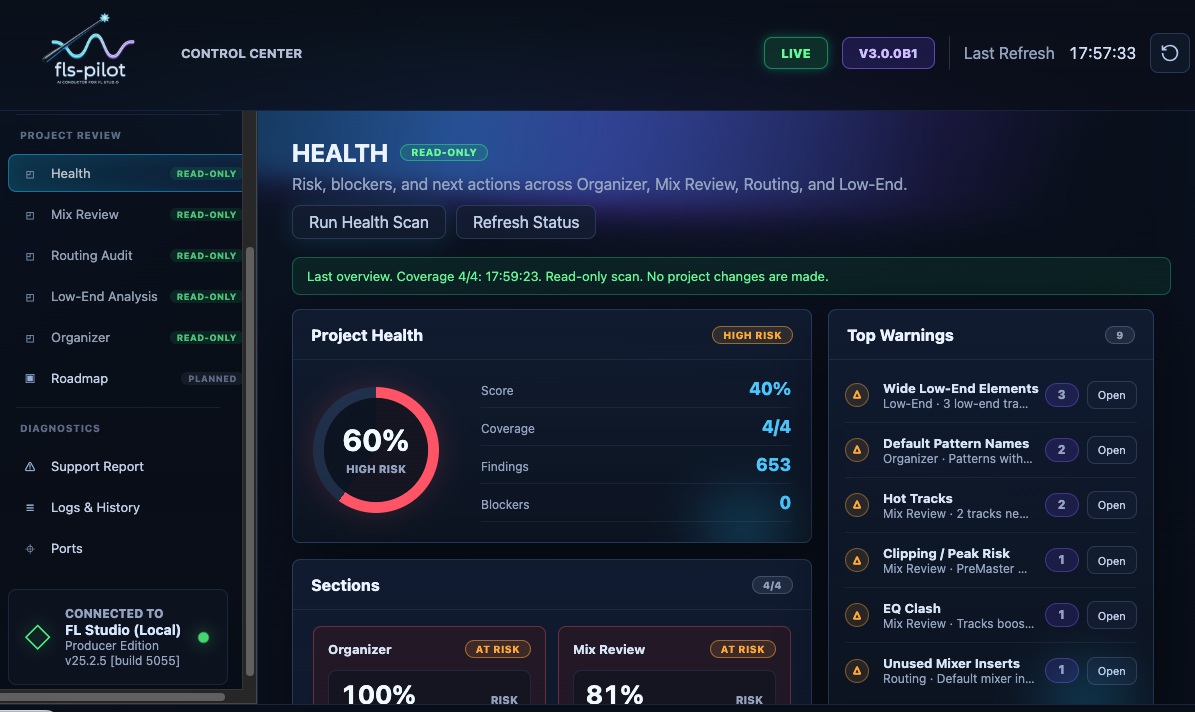
| Mix Review | Finds clipping, headroom, balance, low-end, and stereo risks. |
| Routing Audit | Reviews bus structure, unrouted channels, and fragile send paths. |
| Project Organizer | Plans naming, color, grouping, and routing cleanup. |
| Piano Roll Composition | Writes approved notes through the armed script bridge. |
| Plugin Chain Planning | Suggests chains and configures already-loaded plugins where supported. |
| Project Preflight | Combines health, routing, mix, and export-readiness checks. |
Safety Model
fls-pilot is intentionally conservative. Read-only checks can run immediately. Persistent FL Studio project writes require explicit approval, scoped state, the smallest practical change, readback where supported, a changelog entry, and a rollback path.
Unsupported DAW actions are not hidden behind automation claims. Plugin loading, audio rendering, playlist clip editing, destructive deletion, broad UI automation, and full-FLP restore remain manual or out of scope.